8 online tools

AI Game Development Tools

Sprite cutting, texture packing, resource compression, smart cutout, game SFX, app icons, PSD layer export, and animation frame processing for indie workflows.

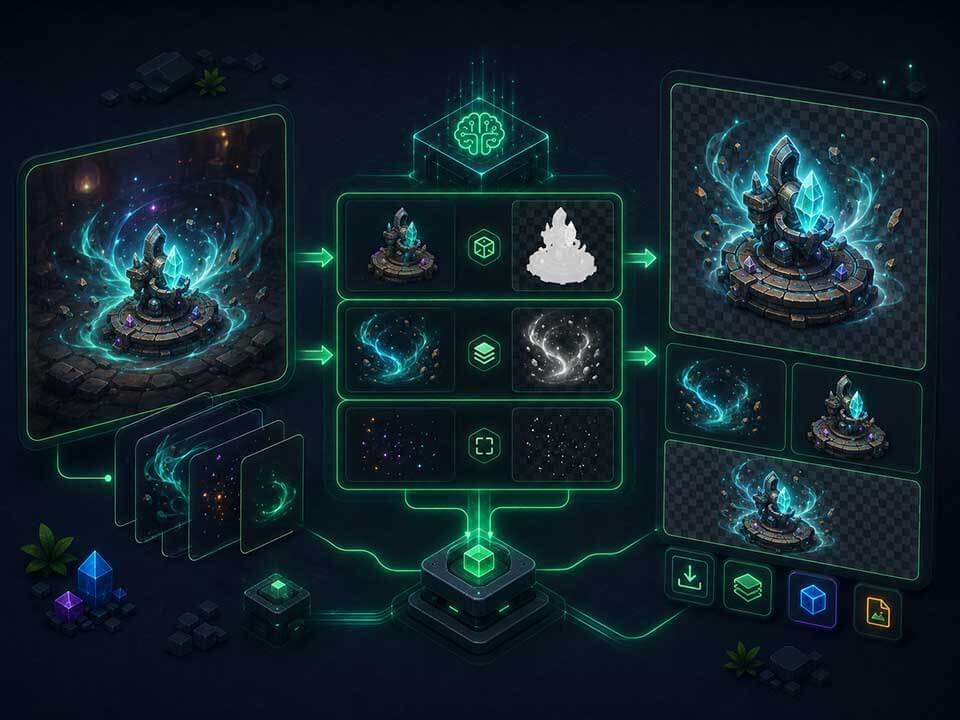
Asset processing pipeline

Sprite cutterSmart cutoutFrame animationTexture packerUnity / Cocos / GodotSFX generatorWAV export

Available AI tools

Use online with no install. Click to open a tool and start processing assets.

Image tools

AI Sprite Cutter

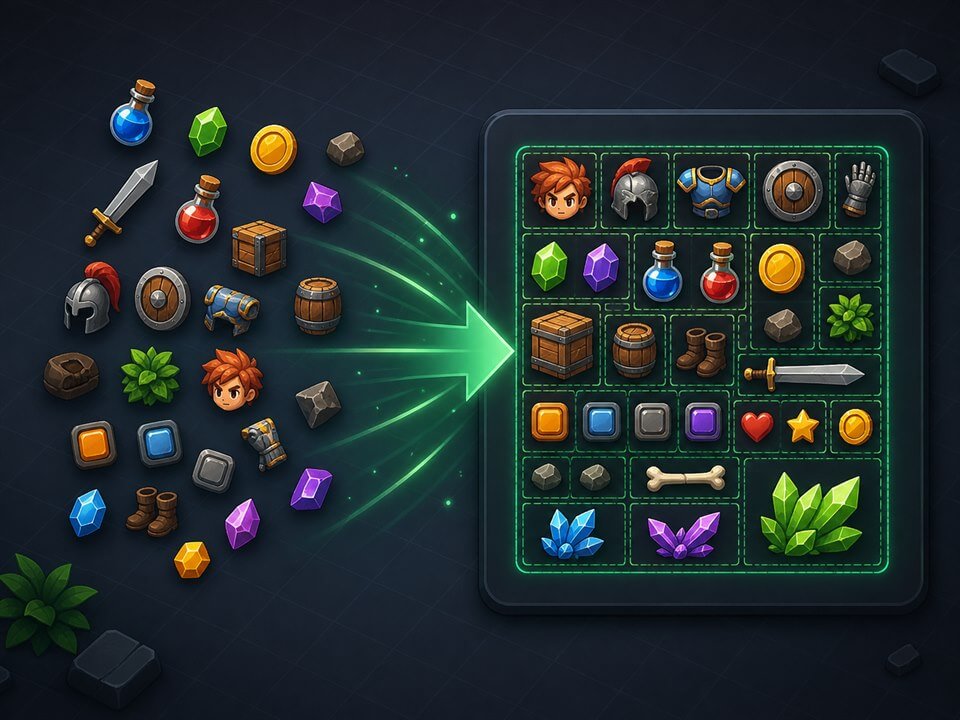
AI Sprite Cutter helps indie devs detect regions in character sheets and UI sprites, then export PNG sequences or send slices to the texture packer—without manual Photoshop boxing.

Key capabilities

  • Split character action sheets
  • Batch UI icons
  • White-background detection
  • Handoff to texture packer

How to use

  1. 1 Upload white-background PNG/JPG
  2. 2 Tune detection and run smart detect
  3. 3 Preview and adjust slices
  4. 4 Export PNG/ZIP or send to packer
PNGJPGZIP batch export
Open AI Sprite Cutter →
Sprite tools

Smart Sprite Sheet Packer

Smart Sprite Sheet Packer arranges PNGs into atlases with Unity, Cocos, and Godot JSON—a lightweight online option for indie 2D teams.

Key capabilities

  • Character animation sheets
  • UI atlas batches
  • Import from sprite cutter
  • Jam-ready exports

How to use

  1. 1 Upload PNGs or import slices
  2. 2 Set atlas size and padding
  3. 3 Choose engine JSON format
  4. 4 Download ZIP with PNG + JSON
PNG atlasUnity JSONCocos JSONGodot JSONZIP
Open Smart Sprite Sheet Packer →
Image tools

Smart Compression Tool

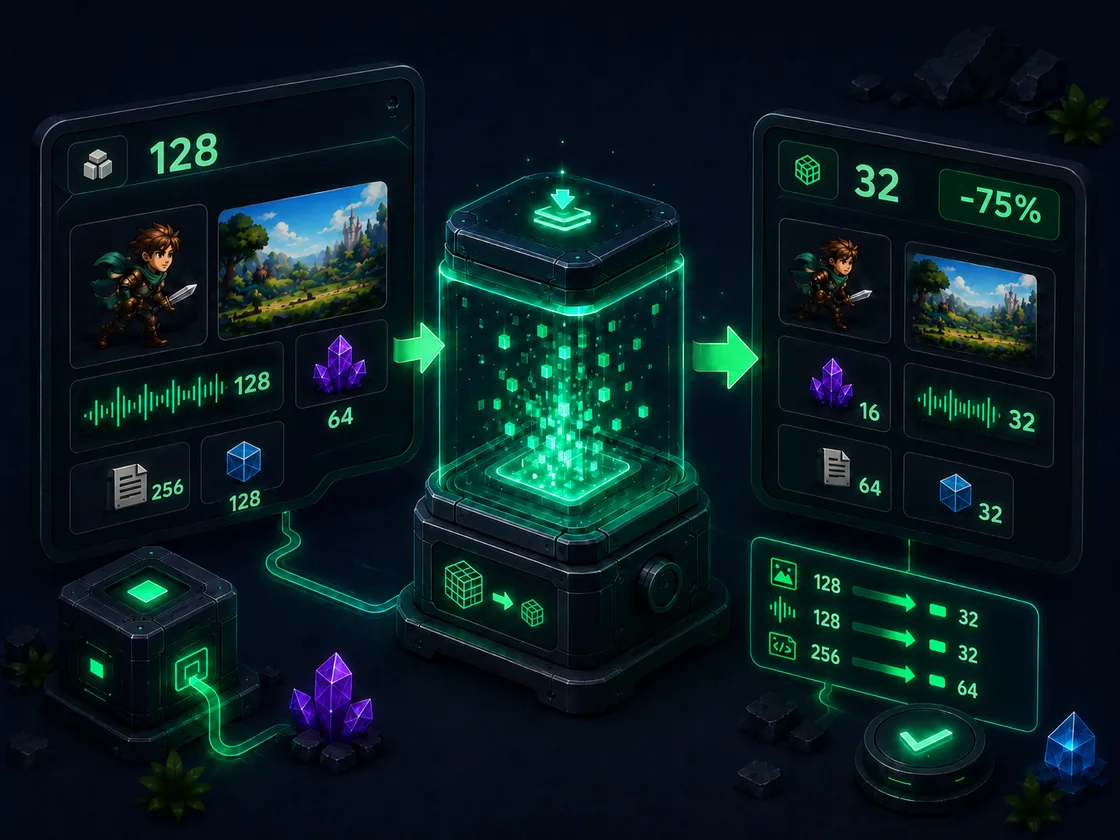
Smart local image and game audio compression with quality-aware selection, previews, and batch ZIP export.

Key capabilities

  • Texture package optimization
  • Game SFX compression
  • Local batch export
PNGJPGWebPAVIFMP3WAVZIP
Open Smart Compression Tool →
Image tools

Super Smart Cutout

Super Smart Cutout removes flat and near-flat backgrounds from sprites, VFX, icons, and UI assets while preserving soft transparent edges. It is built for fast game-art cleanup before packing or engine import.

Key capabilities

  • Remove plain backgrounds from sprites
  • Prepare alpha for VFX and particles
  • Clean icon and UI asset edges
  • Export transparent PNG or alpha masks

How to use

  1. 1 Upload PNG, JPG, or WEBP artwork
  2. 2 Preview the cutout on several backgrounds
  3. 3 Adjust cleanup expectations through the result preview
  4. 4 Download transparent PNG, alpha mask, or inspected background PNG
PNGJPGWEBP inputTransparent PNGAlpha mask PNG
Open Super Smart Cutout →
Audio tools

AI Game SFX Generator

AI Game SFX Generator creates UI, combat, and feedback sounds from presets and parameters—built for jams and indie prototypes.

Key capabilities

  • Jam placeholder SFX
  • Pixel-game tone consistency
  • UI feedback variants
  • Solo-dev audio workflow

How to use

  1. 1 Choose SFX type
  2. 2 Select style preset
  3. 3 Tune ADSR and effects
  4. 4 Preview variants and export WAV/ZIP
WAVJSON paramsZIP variants
Open AI Game SFX Generator →
Image tools

App Icon Generator

App Icon Generator turns a single square artwork into every iOS and Android launcher size you need for store submission—plus Xcode Contents.json and adaptive icon XML in one ZIP.

Key capabilities

  • iOS App Store marketing icon (1024×1024)
  • Android mdpi–xxxhdpi launcher sets
  • Adaptive icon foreground/background layers
  • Cross-platform indie game launch

How to use

  1. 1 Upload PNG, JPG, or WEBP source image
  2. 2 Adjust scale, background, padding, and preview masks
  3. 3 Click Generate all icons to build the manifest
  4. 4 Download ZIP with iOS, Android, and icon-config.json
PNGJPGWEBP inputiOS AppIcon.appiconsetAndroid mipmapZIP
Open App Icon Generator →
Image tools

PSD Layer Exporter

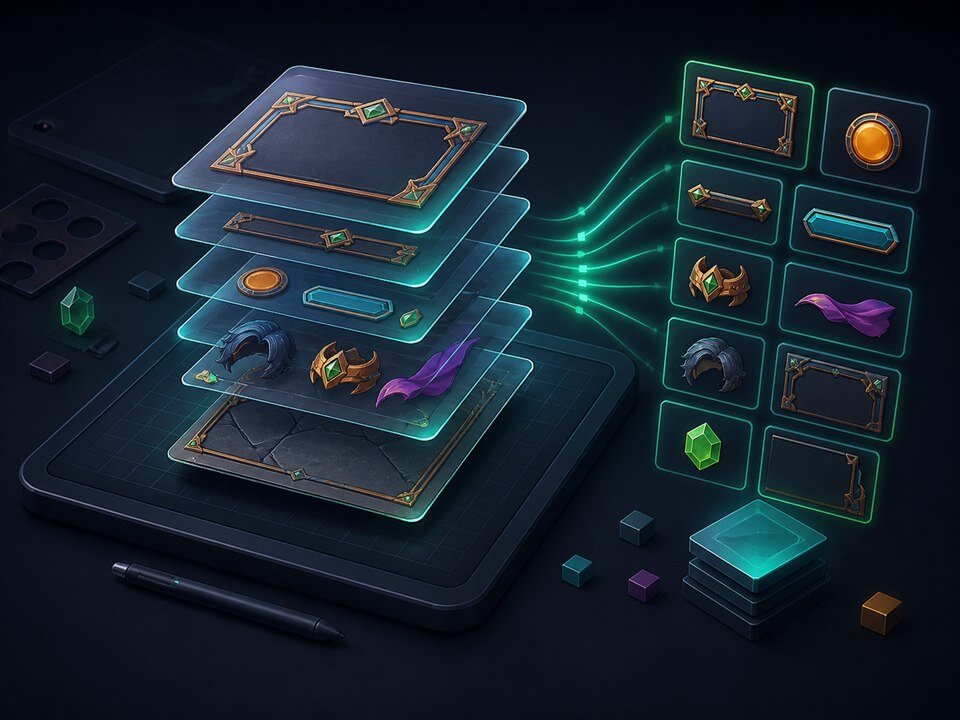
PSD Layer Exporter parses multiple Photoshop files in your browser, lists rasterized layers per document, and exports selected PNG/JPEG assets or a ZIP batch. We take asset privacy seriously—see our Privacy Policy for details.

Key capabilities

  • Slice game UI screens into per-layer PNGs
  • Batch-export icon layers across many PSDs
  • Hand off character parts to engine artists
  • Clean up legacy PSD asset folders

How to use

  1. 1 Drag in one or many PSD files
  2. 2 Wait for browser-local parsing to finish
  3. 3 Pick a PSD, preview, and check exportable layers
  4. 4 Download single layers or a multi-PSD ZIP bundle
Multi PSD inputPNG/JPEG layersZIP batch export
Open PSD Layer Exporter →
Sprite tools

Sprite Sheet Splitter & Animation Frame Maker

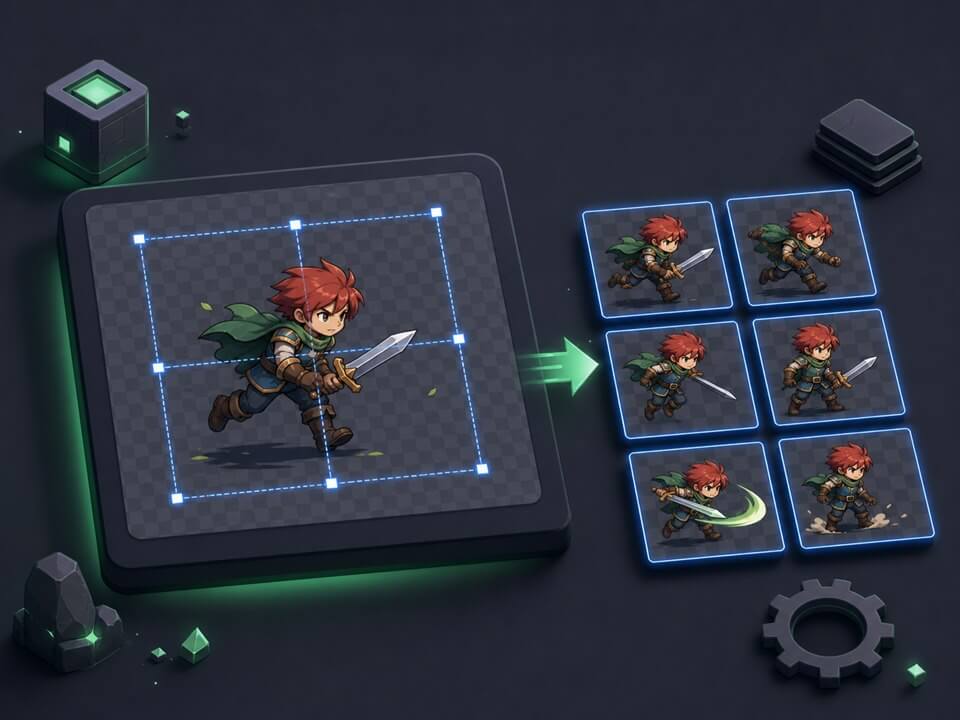
Sprite Sheet Splitter & Animation Frame Maker helps 2D developers convert between sprite sheets and PNG frame sequences—with grid split, compose, transparent trim, live animation preview, and batch export.

Key capabilities

  • Split sprite sheets into PNG sequences
  • Compose PNG frames into sprite sheets
  • Clean up AI-generated animation assets
  • Reorder frames and trim transparent edges
  • Preprocess assets before engine import

How to use

  1. 1 Upload a sprite sheet or multiple PNG frames
  2. 2 Configure rows/columns or layout options
  3. 3 Split or compose, trim and reorder as needed
  4. 4 Preview animation and export PNG/ZIP/metadata
PNGJPGWEBPZIPmetadata.json
Open Sprite Sheet Splitter & Animation Frame Maker →

FAQ

No install, instant updates, and AI-assisted cutting, packing, and SFX with zero setup—everything runs in your browser.

Start with your first asset

Start free with AI Sprite Cutter, then move character, prop, and UI slices into the texture packing workflow.